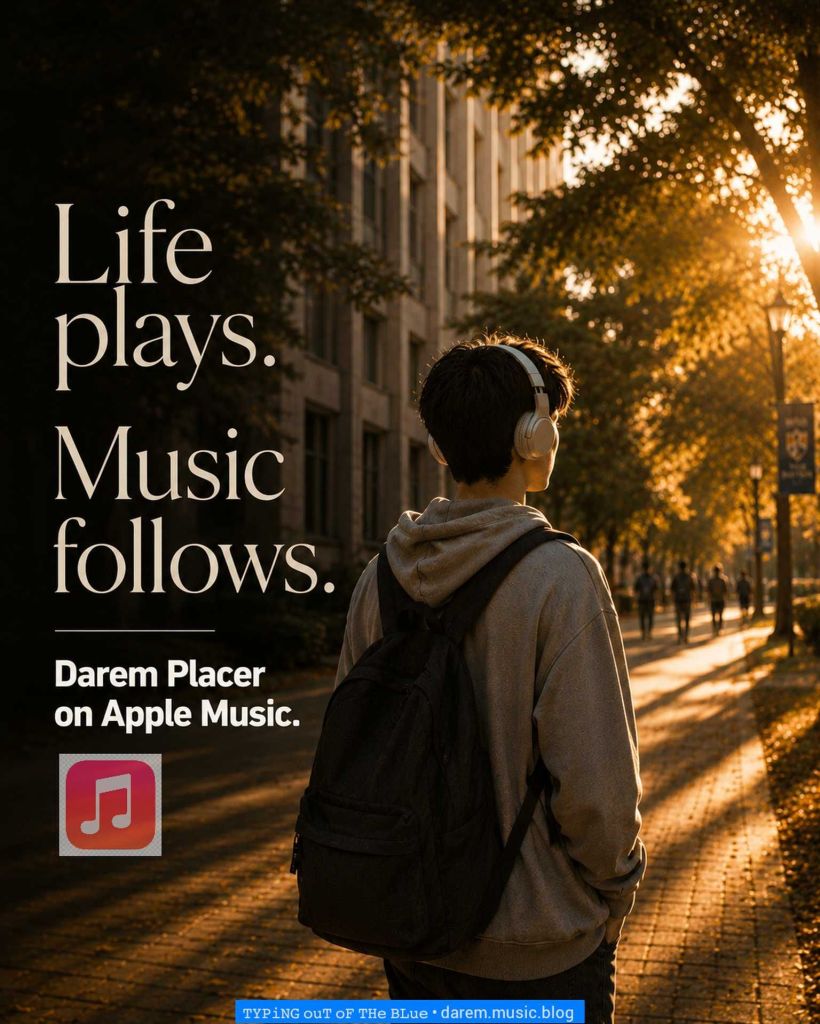
Life keeps moving. Sometimes all it needs is the right soundtrack.
The ordinary becomes memorable when music is playing in the background. The path is the same. The day is the same. Yet every step seems to move with a little more meaning, as if life itself has found its rhythm.
Somewhere along the way, listening stopped being yours.
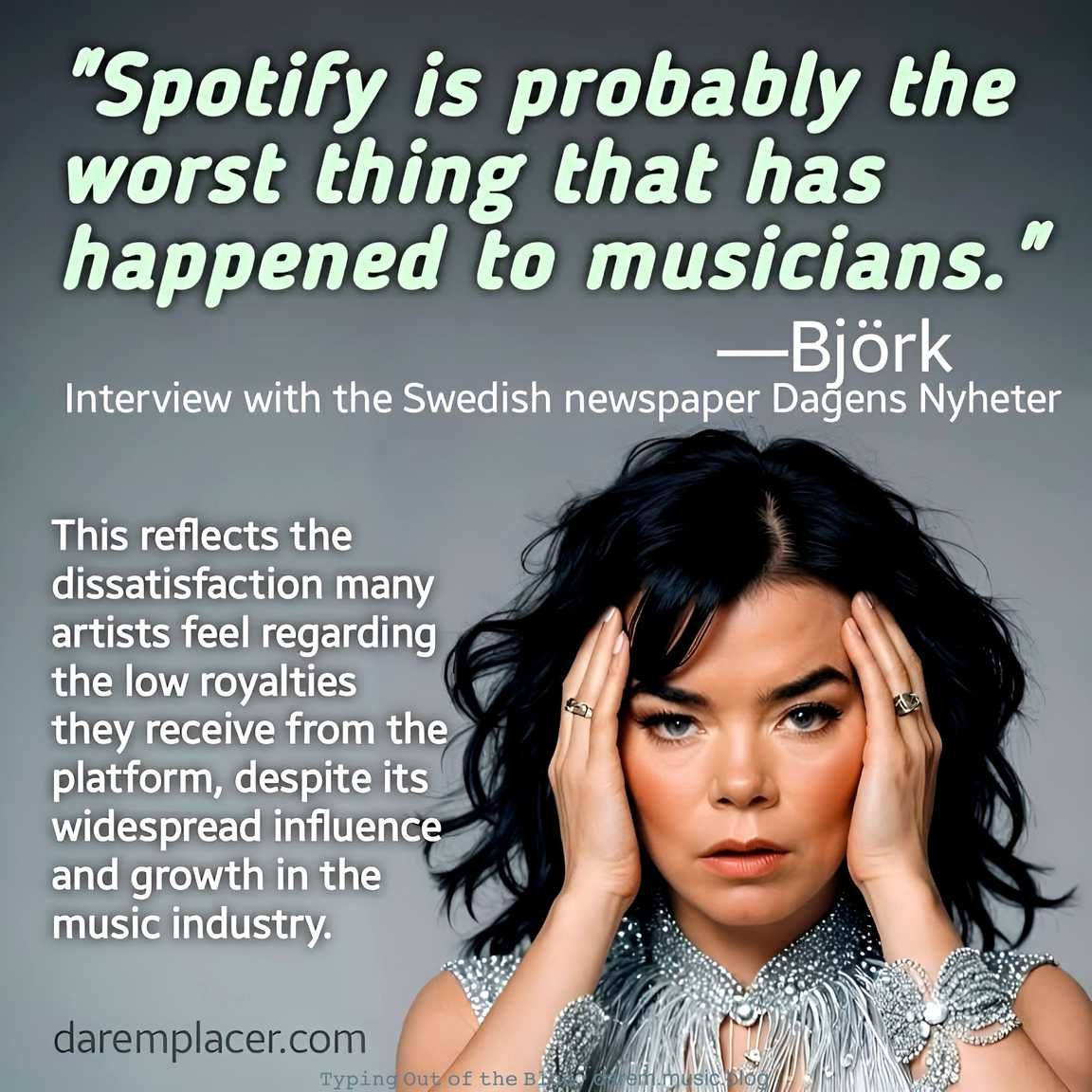
Spotify isn’t necessary. It’s just convenient. That’s the part we don’t usually question. Convenience becomes the default, and the default starts to feel like something we can’t live without.
But we can.
There was a time when we chose music. We looked for it, stayed with it, and decided what mattered. Now, we scroll what’s given.
Discovery feels easier, but also narrower. The system suggests, filters, and lines things up. We follow.
Before, artists built listeners. They found people who chose to stay. Now, platforms decide what gets heard and what comes next.
Spotify is like fast food. You won’t die without it. You won’t grow because of it either. It feeds you, but it also decides what you taste next.
If you own an album—vinyl, cassette, or mp3—you can play it anytime, as much as you want. No interruptions. No limits. You can stay with it, repeat it, and experience it the way it was made.
With Spotify, it’s different. You don’t really own the music. You borrow it. Stop paying, and access changes. Don’t subscribe, and ads come in. The freedom to listen becomes conditional.
On Spotify, even how you listen can get flagged. Replay the same album again and again, and it can be treated as unusual activity. Access gets interrupted, and you may be asked to reset your account.
The way you enjoy music starts to depend on the platform.
These are the choices.
• Spotify — algorithm-heavy. You open it, it decides what plays next. • Apple Music — you build your own library. Less push, more control. • YouTube Music — you search, you find. Discovery follows curiosity. • Bandcamp — you choose the artist and support them directly. • SoundCloud — raw and open. Discovery feels unfiltered.
Spotify keeps you listening. The others lean more on your choice.
Even on a new album release, you press play and something else comes on. If you’re not subscribed, you don’t even get to follow the album as it is.